
A Chrome extension for BreadHustle users that works inside ION, the ordering site you already use, while you are signed in with your own account. Copy this week's order into the next weeks in a few clicks, and see every change to your order and who made it.
Always review your order in ION before the cutoff. ION Watch only does what you ask. The order is still yours.
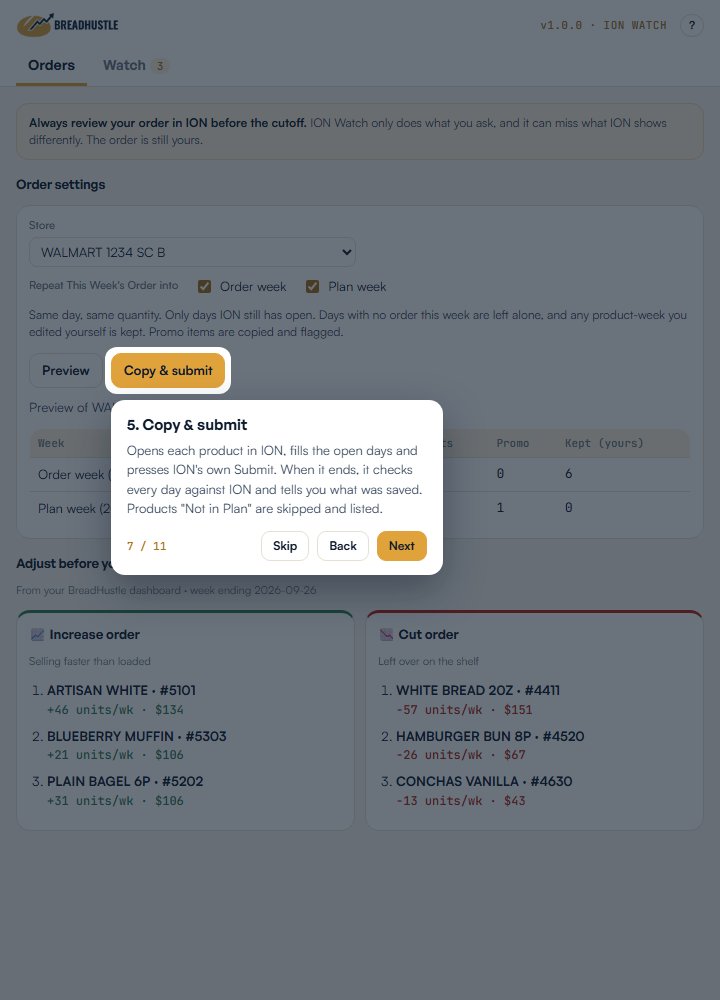
Pick one store and the weeks to fill. ION Watch copies This Week's Order into the Order Week and Plan Week, same day and same quantity, product by product, using ION's own Submit button.
It reads ION's own order history for every product on your route and lists the edits made by anyone other than you, with the days and quantities that changed. Revert an edit while the day is still open.
Every command works on one store at a time. Choose which weeks receive This Week's quantities: Order Week, Plan Week, or both. Only days ION still has open are filled, and days with no order this week are left alone.
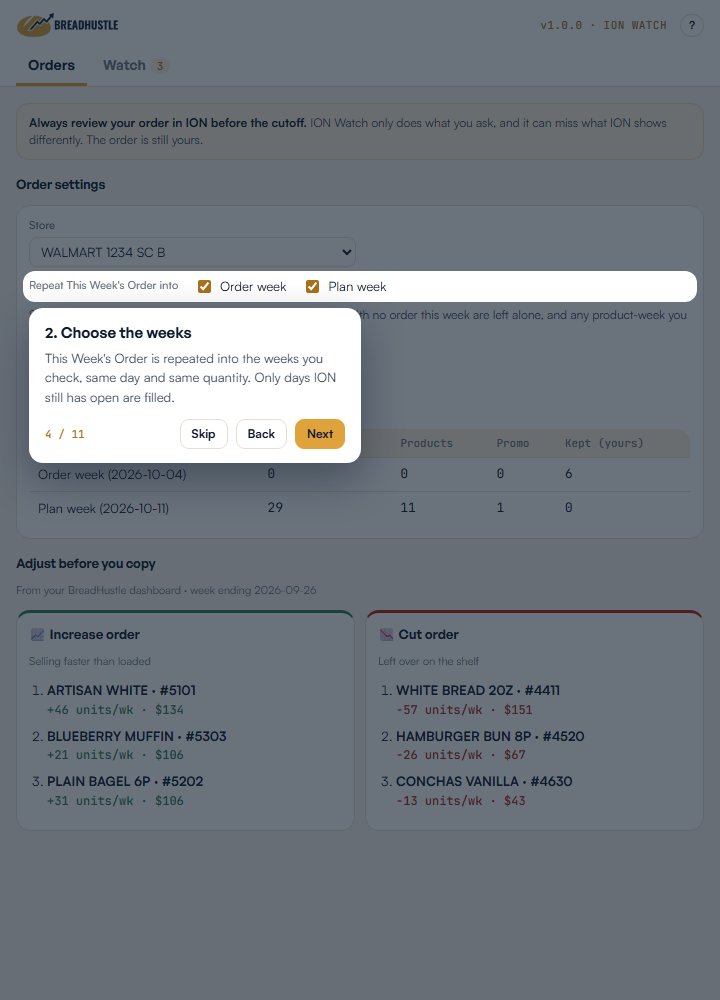
Right below, your top 3 items to increase and your top 3 to cut for that store, straight from your BreadHustle dashboard: what sold faster than you loaded, and what was left on the shelf.
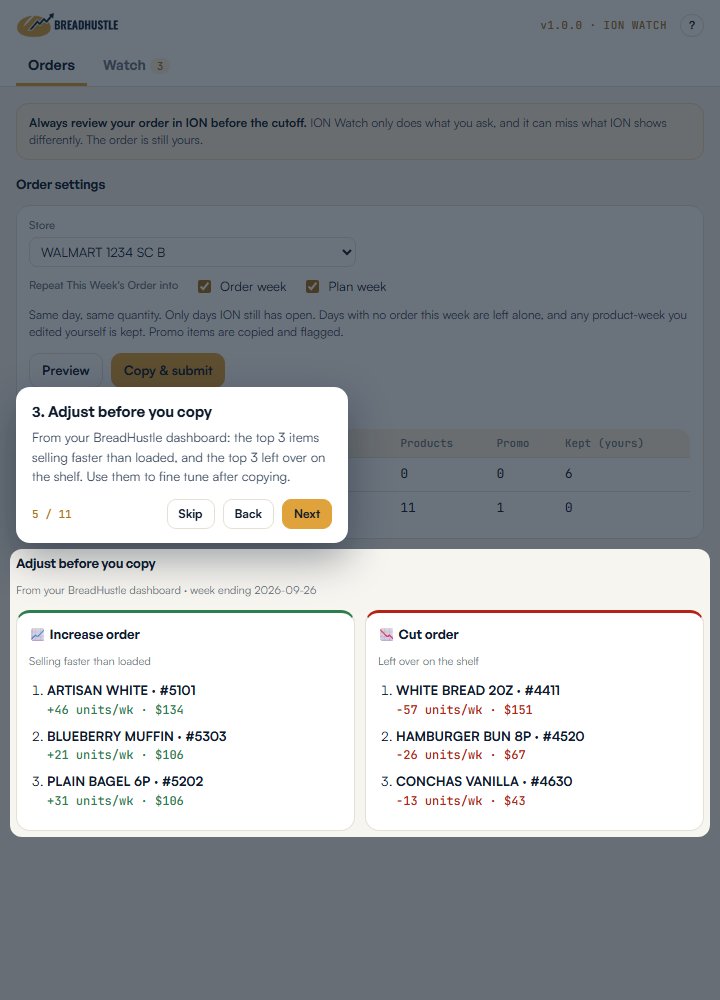
See how many days would change in each week, which items are on promo, and which ones are kept because you already edited them yourself. Nothing is written yet.
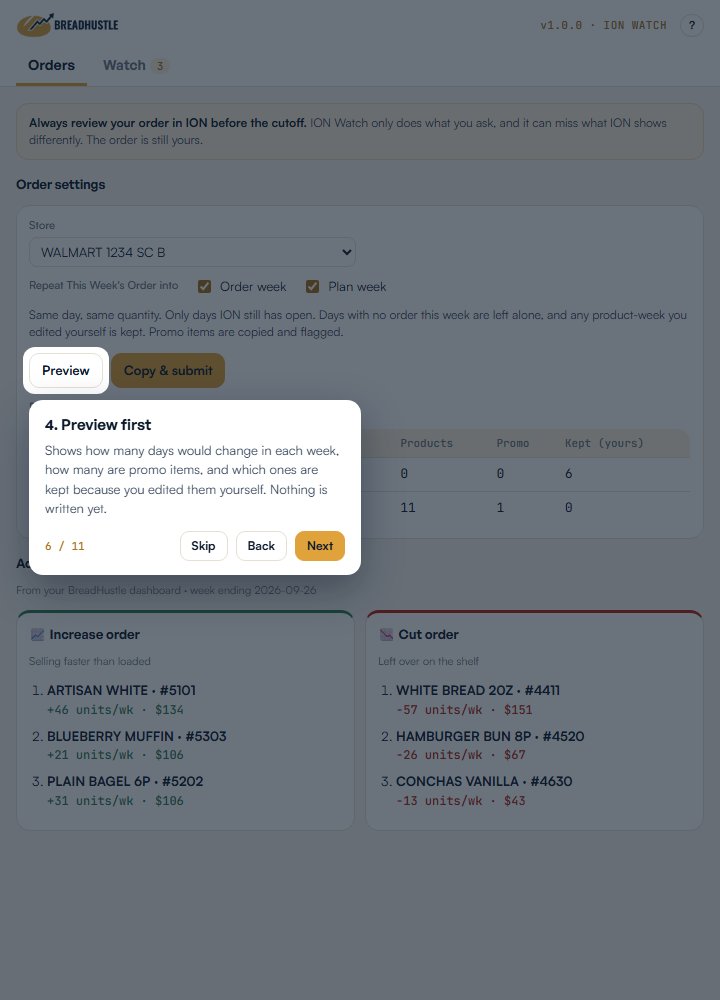
After you confirm, ION Watch opens each product in ION, fills the open days and presses ION's own Submit. When it ends, it checks every day against ION and tells you what was saved. Products ION marks "Not in Plan" are skipped and listed so you can handle them.
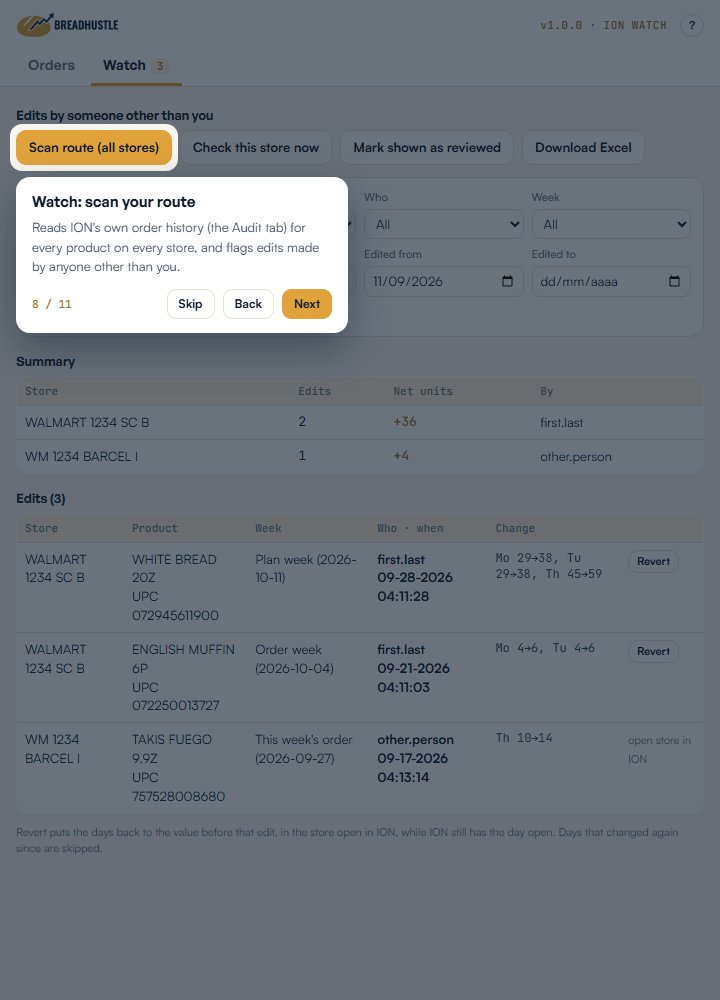
Scan route reads the order history ION keeps for every product, on every store, and lists the edits made by someone other than you. Filter by store, person, week, product or UPC, and dates.
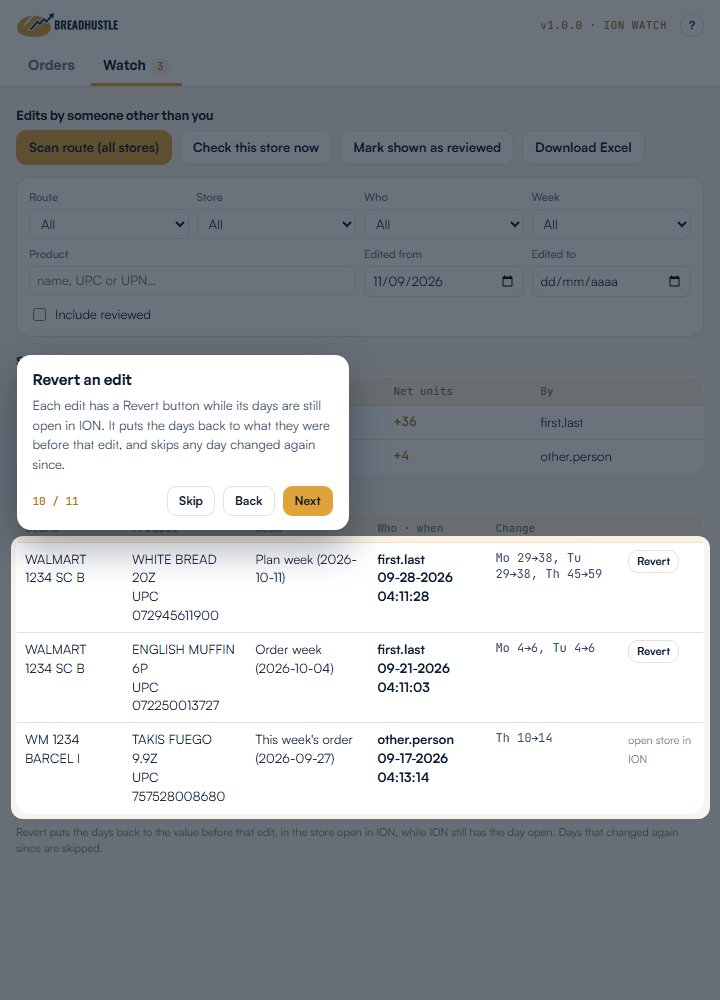
Each edit has a Revert button while its days are still open in ION. It puts the days back to what they were before that edit, and skips any day that changed again since.
ION Watch does only what you ask, only in your own ION account, with the access you already have. It can miss what ION shows differently, so the order is still yours: review it in ION before the cutoff, every time. ION refreshes its order history daily at 12 PM and 3 AM EST, so an edit made this morning shows up after noon.
No. It only writes to ION when you click Copy & submit or Revert and confirm. Nothing runs in the background, and you review the order in ION before the cutoff.
Google Chrome on a computer. It doesn't run on phones.
No. ION Watch reads ION with your own login and keeps its records in your browser. It reads your BreadHustle dashboard only to show your top items to increase and to cut.
Any product week you edited yourself is kept as is. ION Watch reads ION's own history to know which ones are yours.
They are skipped and listed at the end of the run, so you can decide what to do with them in ION.
No. BreadHustle is an independent tool built by a route owner. It is not affiliated with, or endorsed by, Bimbo Bakeries USA or ION.
ION Watch is for BreadHustle users. Review your order in ION before the cutoff, every time.